SPRIG STUDIO
Make a consistent promotion set for your jewelry collection
Keep each product photo, finish and price connected as you prepare a small jewelry launch.
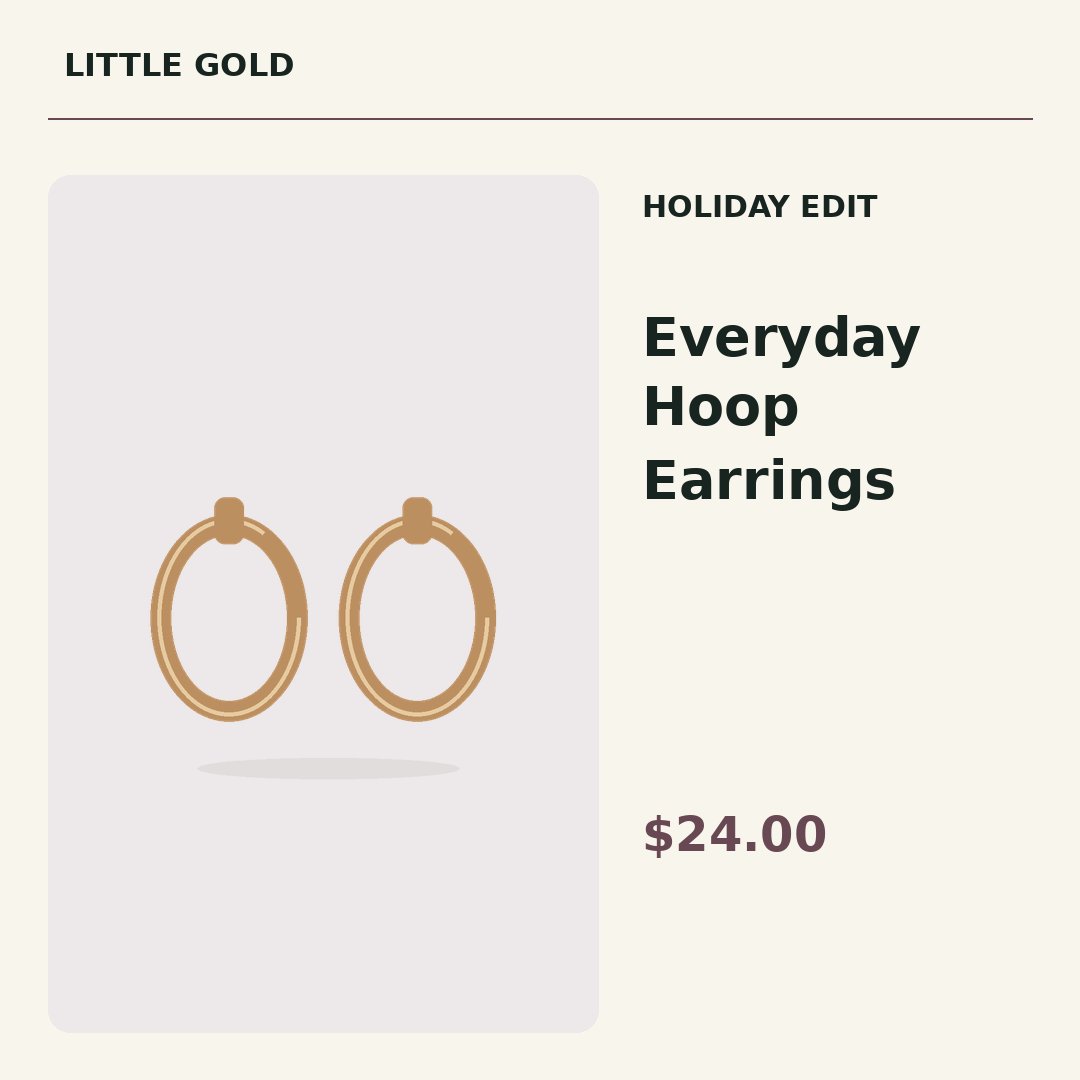
Fictional jewelry shop; original illustration and example price. This is a workflow example, not a customer endorsement.
Give variations their own rows
Use distinct SKUs for finishes or sizes that need different images. State “pair” or “single” in your title if that distinction matters. Avoid letting a filename such as “earrings-final.jpg” identify multiple products.
Keep material claims in your control
The studio uses the title, price and label you supply. It does not infer gold purity, gemstones or dimensions from a photo. Review your own product descriptions before importing them.
Check the smallest detail at full size
Thin chains and pale metal can disappear against a pale photo background. Use a clear source image, compare the three size previews, and inspect the finished output before posting. Previews are free; one exported image in one size uses one credit.
Send a compact review pack
Download the optional offline review ZIP to check product text and images with a teammate. It opens locally after extraction. It is not a live approval portal or a tool that posts to your shop automatically.
Try this shop's example before signing up
Switch templates and sizes, inspect a sample price update, and download nine finished images. All three shops use the same renderer as the workspace.
Explore the jewelry example →Your first real export
A free account includes 9 successful image exports: 3 products × 3 sizes. You can preview without spending credits. Download your source and finished files promptly; uploaded files and exports are kept for up to 24 hours.
Detailed spreadsheet preparation → · How campaign comparisons work →