SPRIG STUDIO
Prepare your small gift shop's holiday campaign
Bring mugs, body-care products and totes into one visual campaign without losing track of the individual prices.
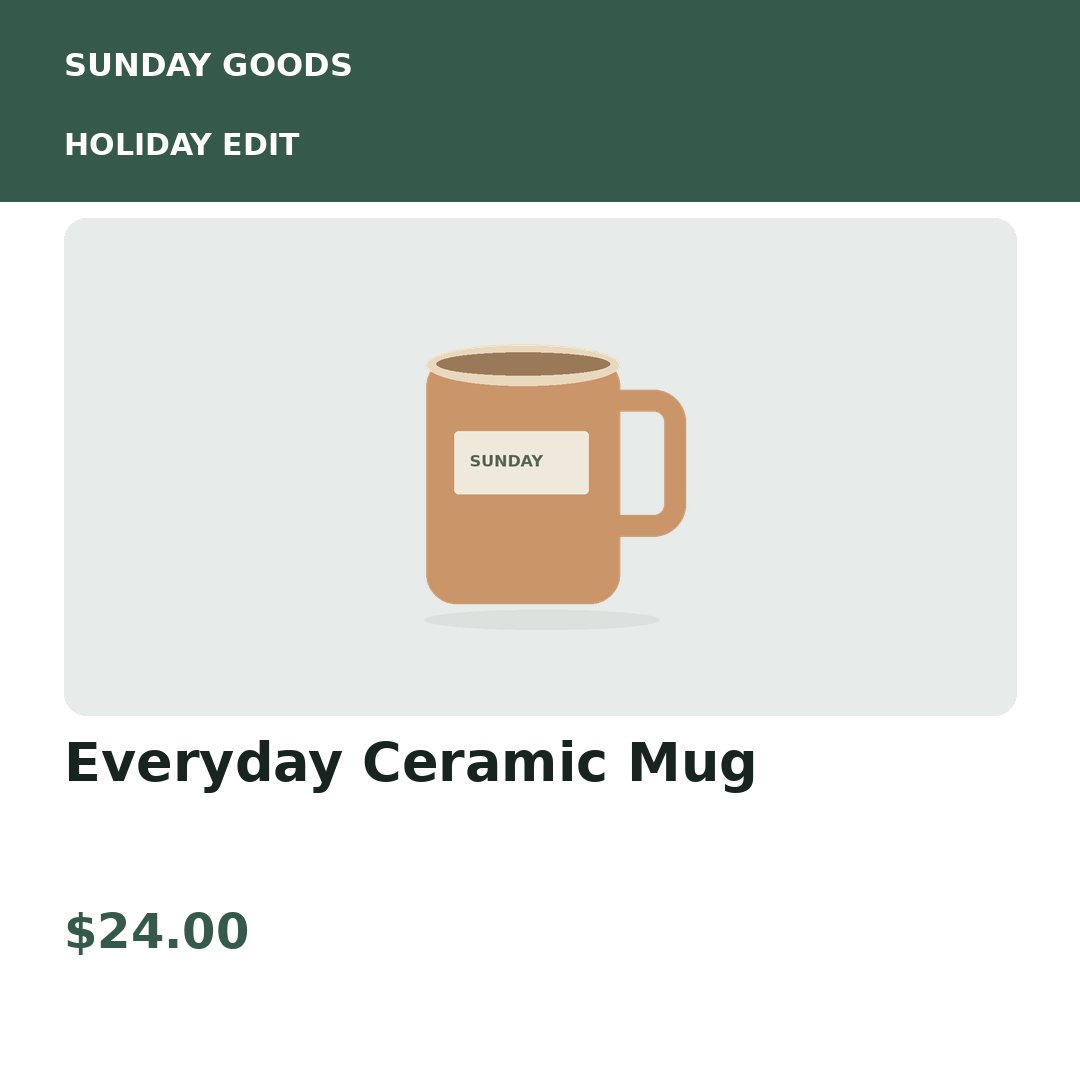
Original sample illustrations, fictional shop name and sample prices. The displayed products are not sold by Sprig Studio.
Begin with a small, complete selection
Choose three products for your first run. Include a unique SKU, a title, a matching photo filename and the exact price text to display. Import CSV or Excel with the photos in a ZIP, then check for missing images and duplicate SKUs.
Prepare Black Friday and holiday promotions
Keep your approved offer text in the table so it stays consistent across sizes. A bundle and an individual product need distinct identifiers when they are separate offers. The tool displays your supplied prices; it does not calculate a discount or verify availability.
Start from a shop export, then map the fields
If your shop platform can export a product spreadsheet, prepare a CSV with the fields the studio needs. Map columns during import and upload the corresponding photo files. There is no direct Shopify connection or automatic inventory synchronization in this version.
Refresh only the changed products
Save a campaign version and your brand recipe after the first export. Use the version to compare the next product sheet. Changes to a shared template or brand setting can affect the whole batch; always review the selection and estimated image count.
Try this shop's example before signing up
Switch templates and sizes, inspect a sample price update, and download nine finished images. All three shops use the same renderer as the workspace.
Explore the gifts example →Your first real export
A free account includes 9 successful image exports: 3 products × 3 sizes. You can preview without spending credits. Download your source and finished files promptly; uploaded files and exports are kept for up to 24 hours.
Detailed spreadsheet preparation → · How campaign comparisons work →